


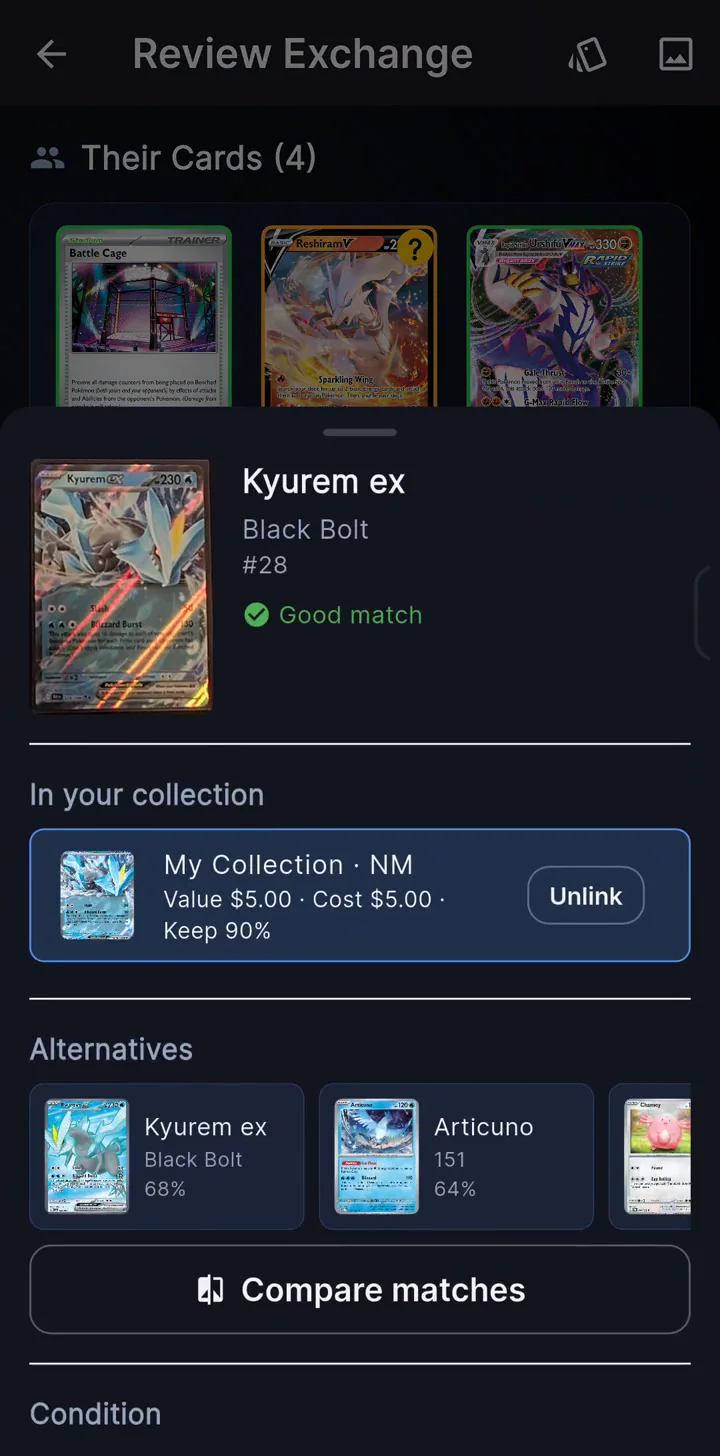
Keep your binder in order.
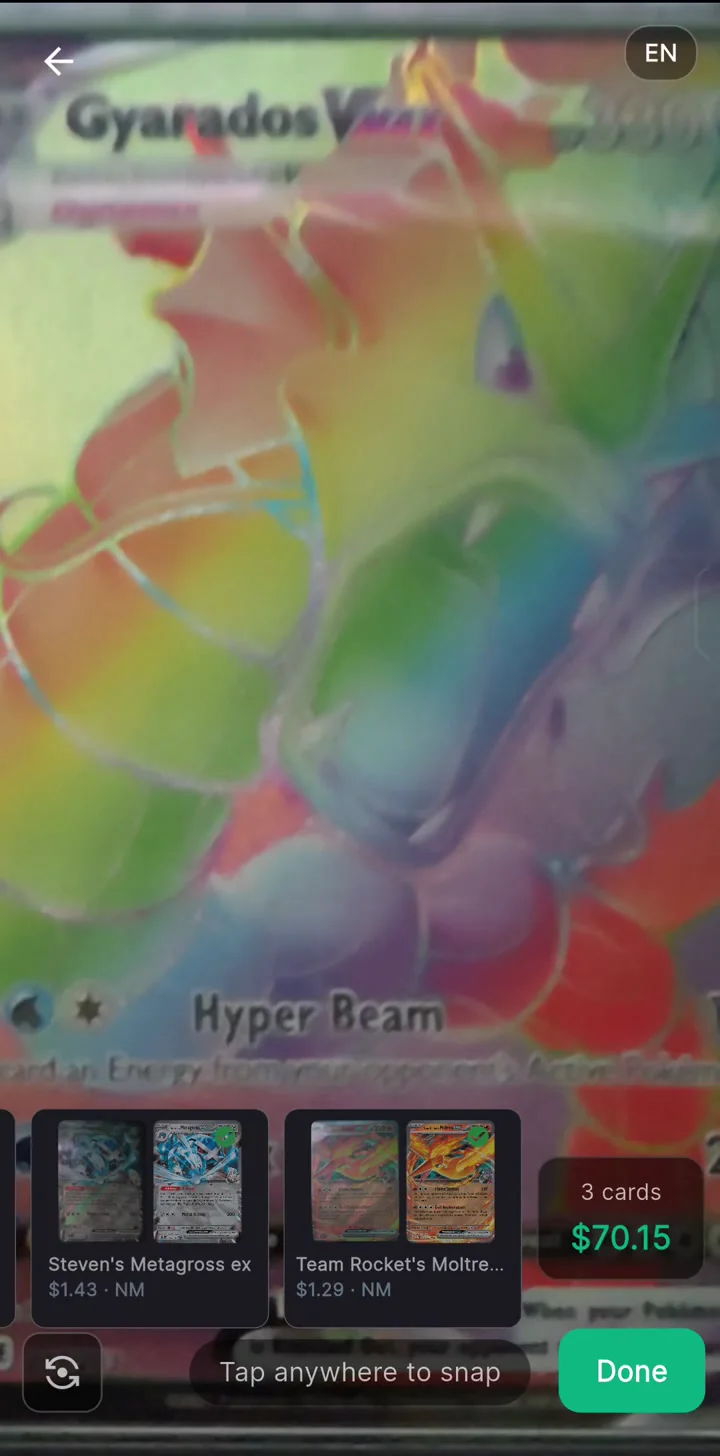
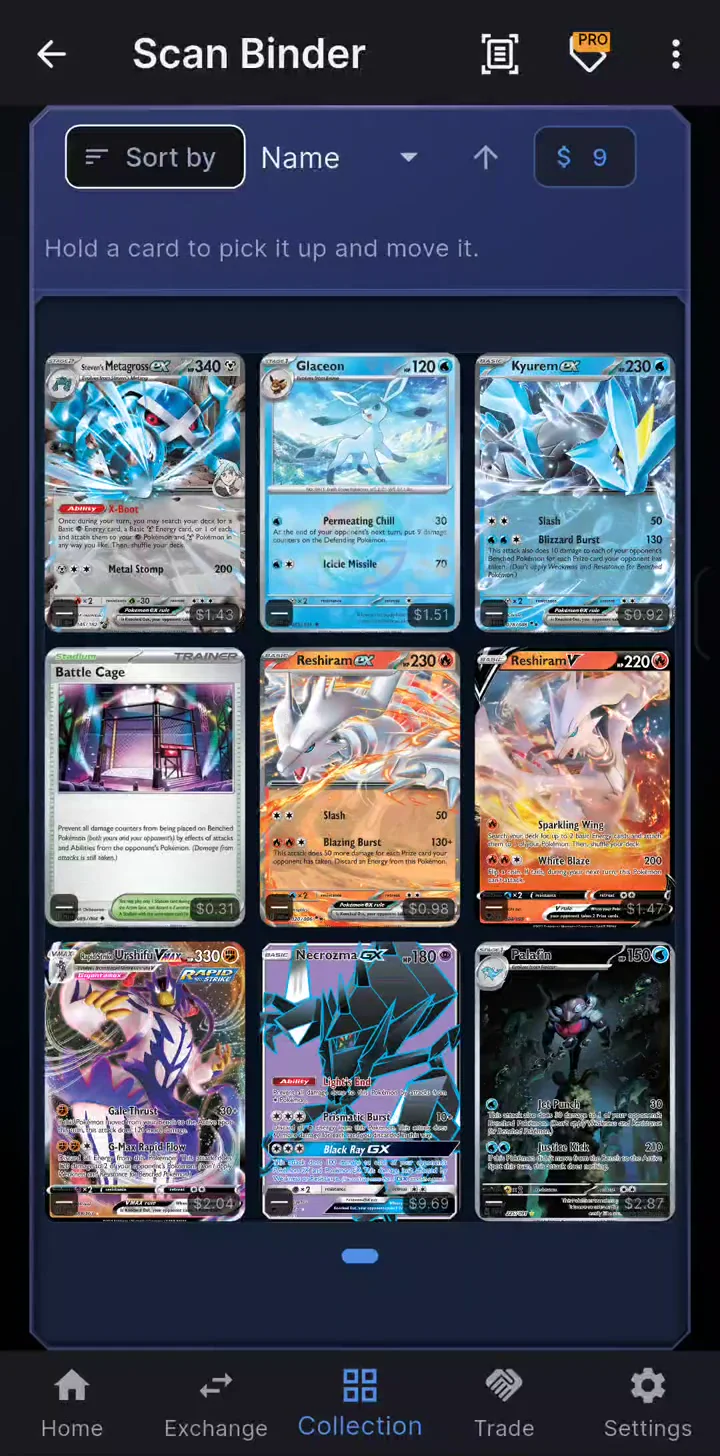
Scan binder pages, review the cards, and add them to your collection. Reorganize your binder to match the cards in its pockets.
FOR POKÉMON COLLECTORS
eBay sold prices. TCGPlayer Market.
Your collection and trades, together.
iPhone · TestFlight betaAndroid beta
NEW · LABEL PRINTING
VENDOR PROTurn your collection into ready-to-sell cards. With a saved Bluetooth printer setup, hold Print for a second to print the card’s price.
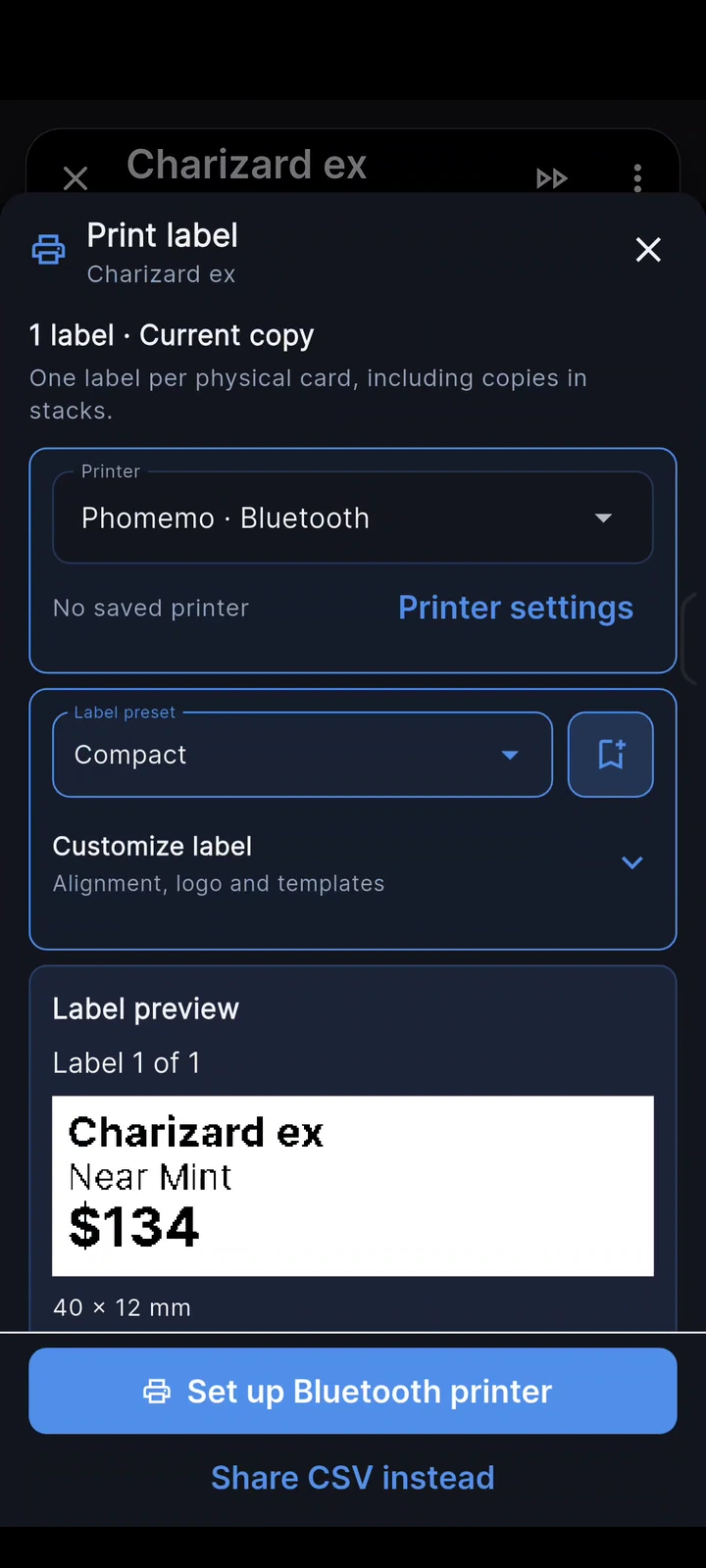
Tested on a real label maker.
View Phomemo D30Supported models listed in the app.
View Niimbot label makersSupported models listed in the app.
View Nelko label makersUse the Print Master export option on Android.
About Print MasterCompatibility varies by model and phone platform. A brand listing does not mean every model supports direct printing. Check the printer choices in the app. Hold-to-print uses a saved direct Bluetooth printer. Print Master export is Android only; finish printing in Print Master.
THE PRICE. AND THE PROOF.
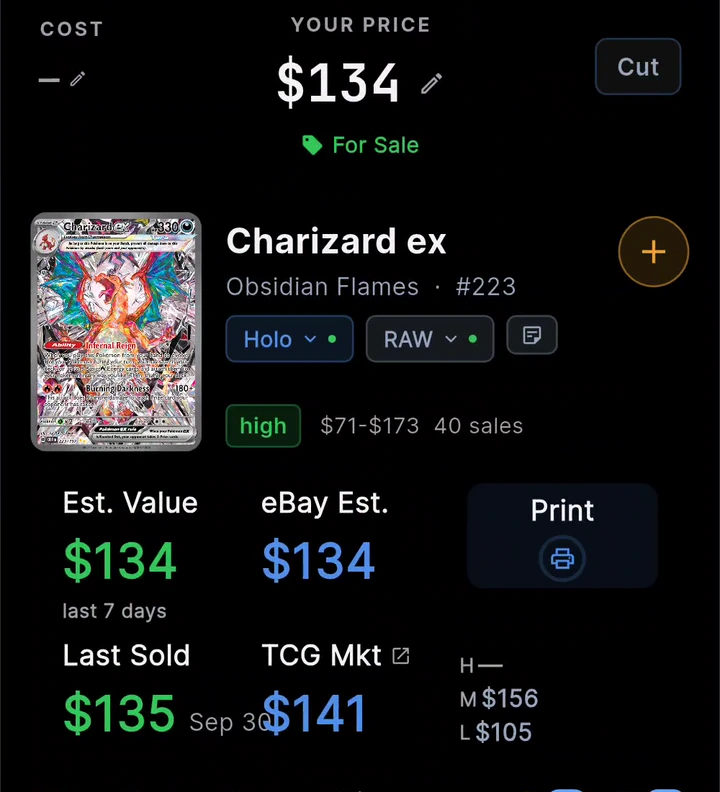
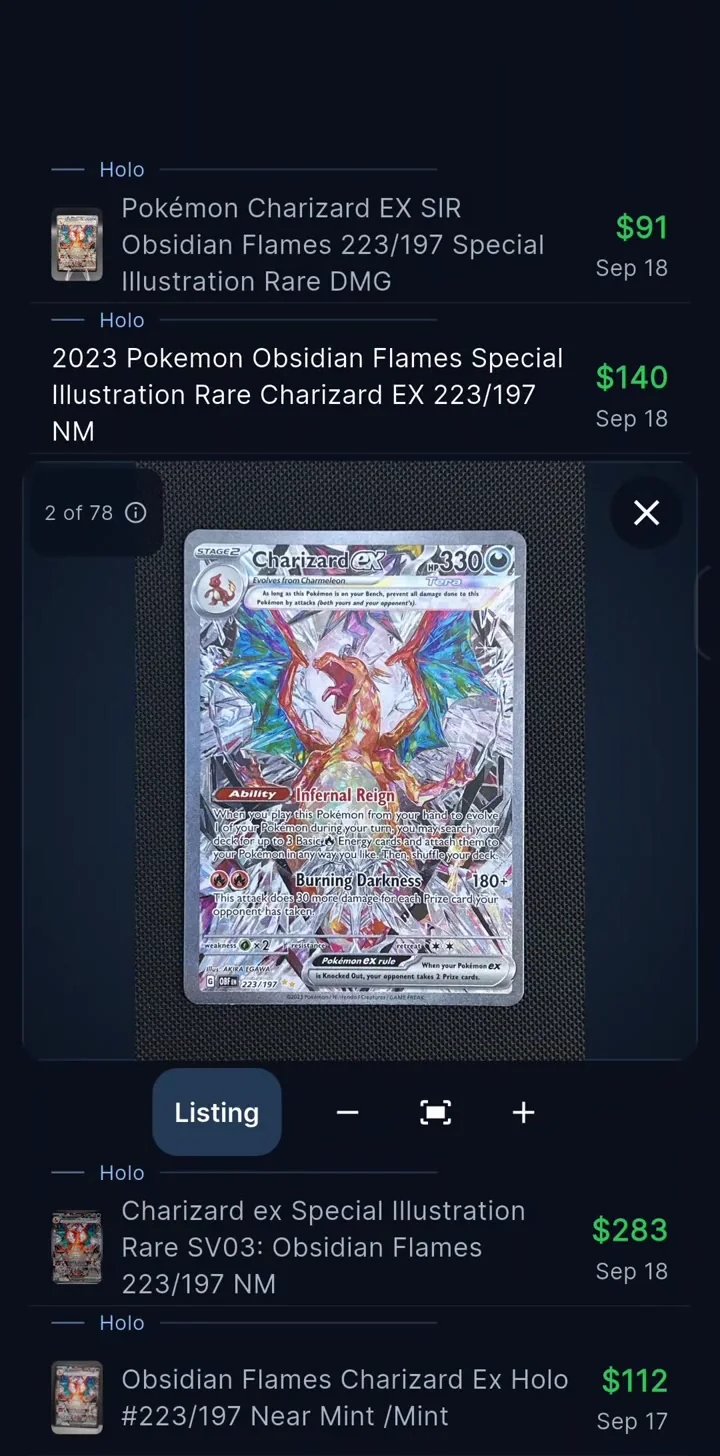
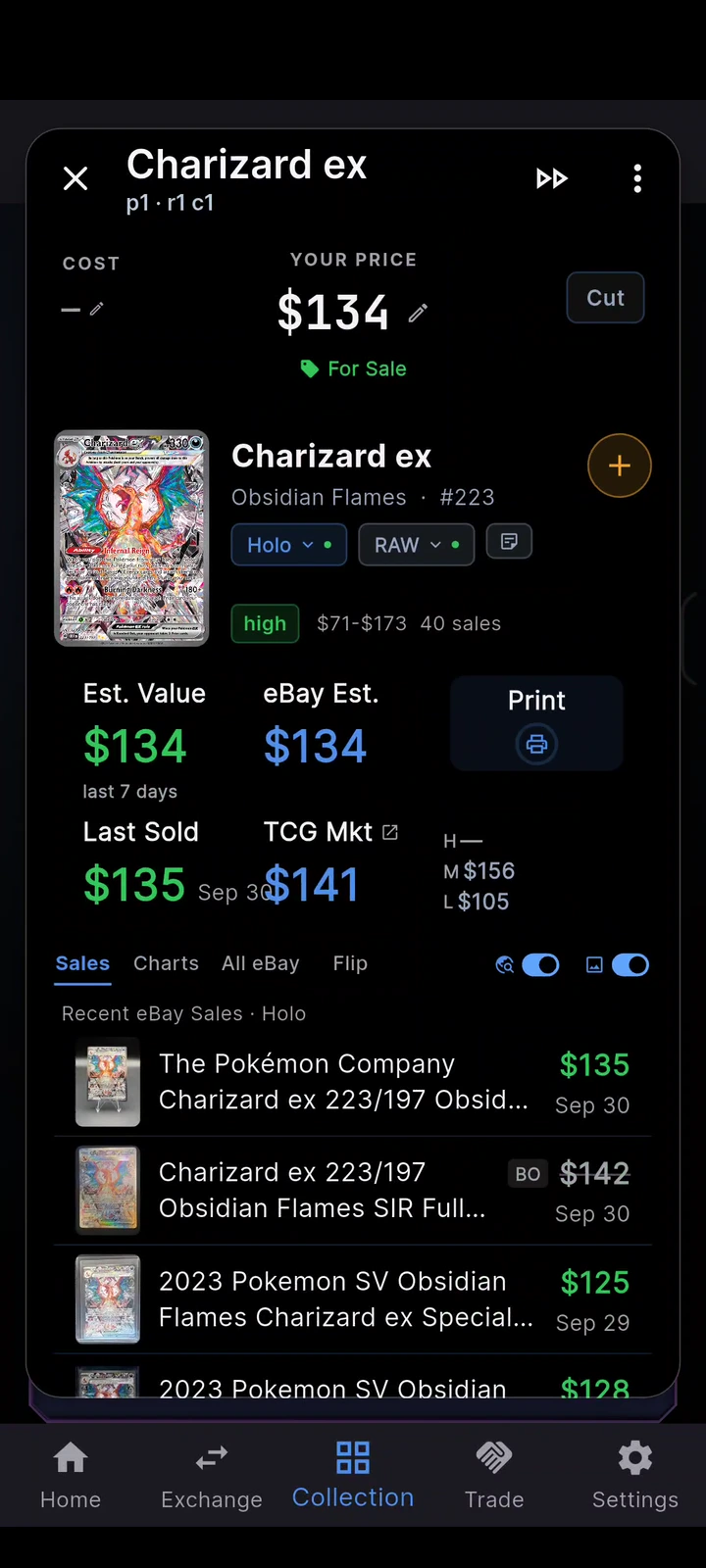
Check recent eBay sales and TCGPlayer Market in the same place. Open a listing to see the card that actually sold.
See the saleseBay values follow the selected variant and condition. TCGPlayer Market is a separate raw-card reference.
EXPLORE THE APP
Pick a quick demo.
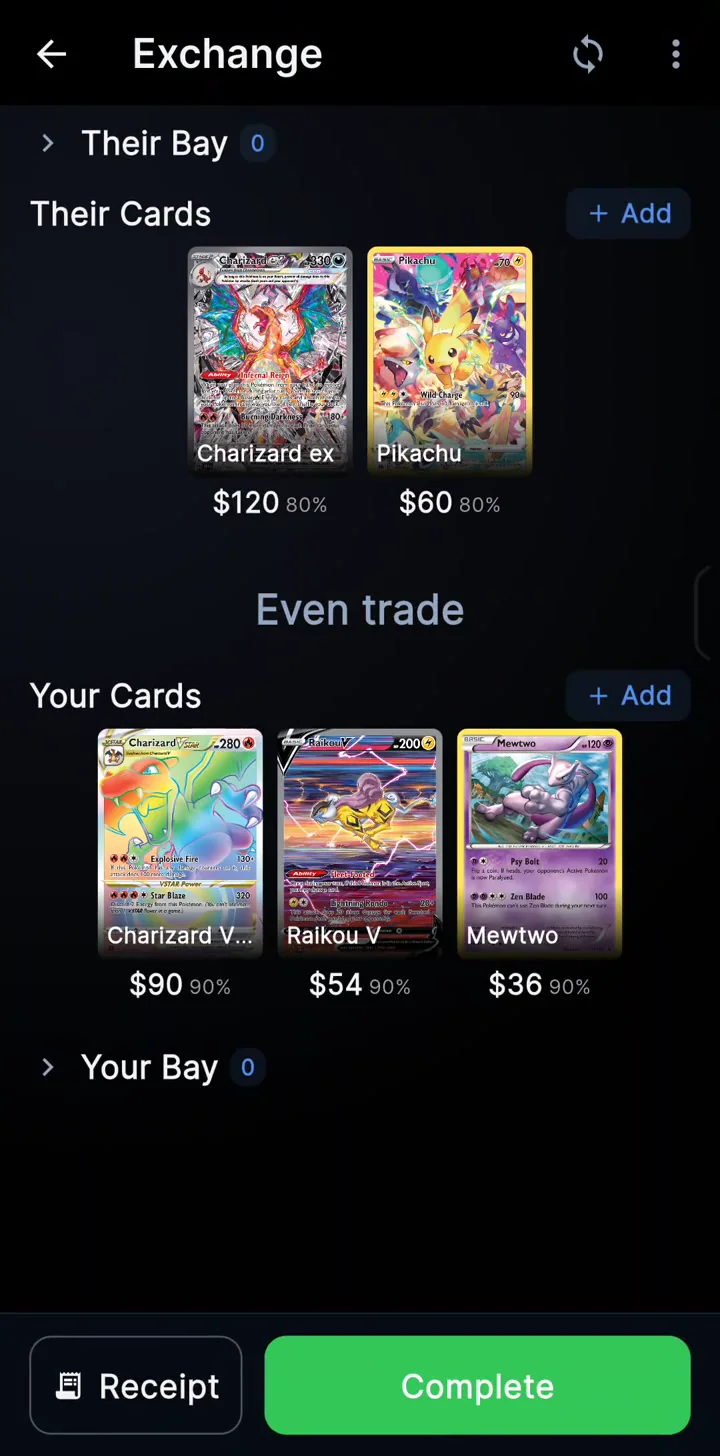
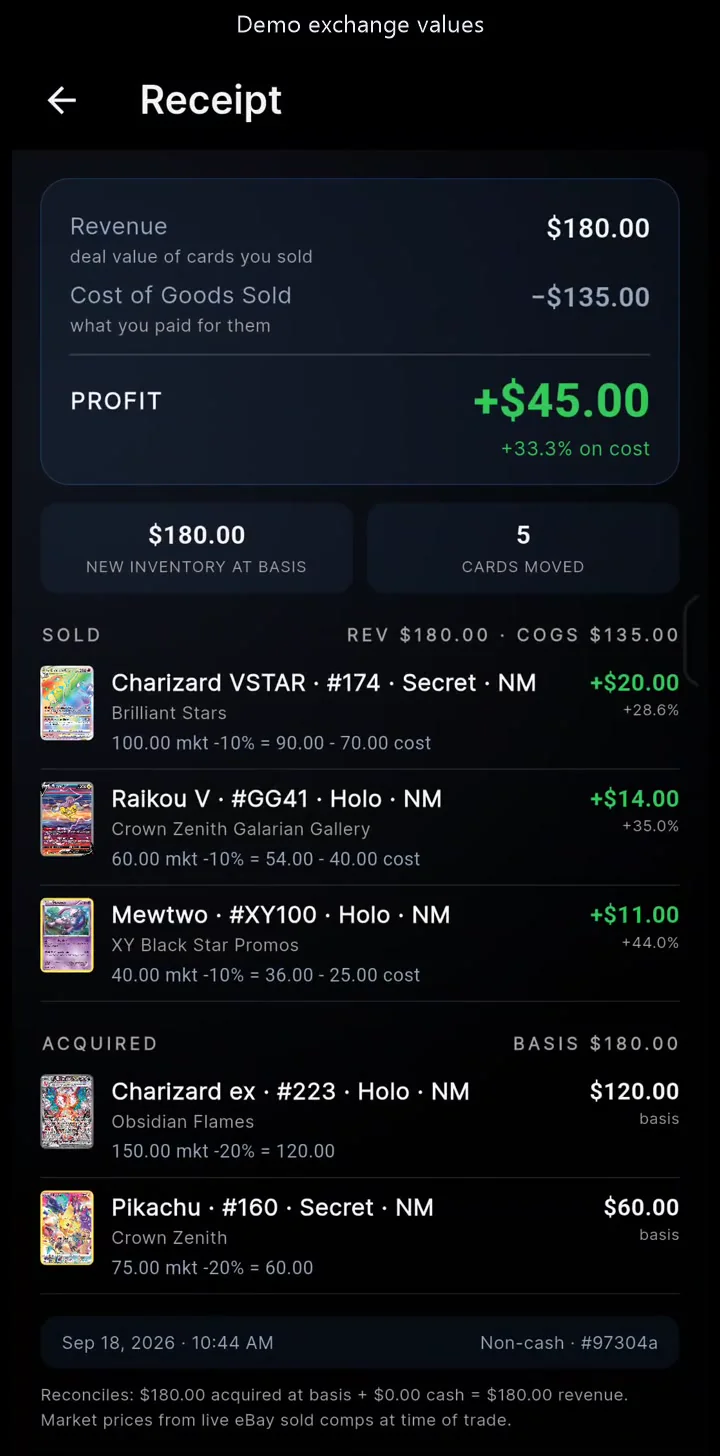
Edited recordings. Trade amounts are demo values. Prices reflect the data captured in the app.
Scan binder pages, review the cards, and add them to your collection. Reorganize your binder to match the cards in its pockets.
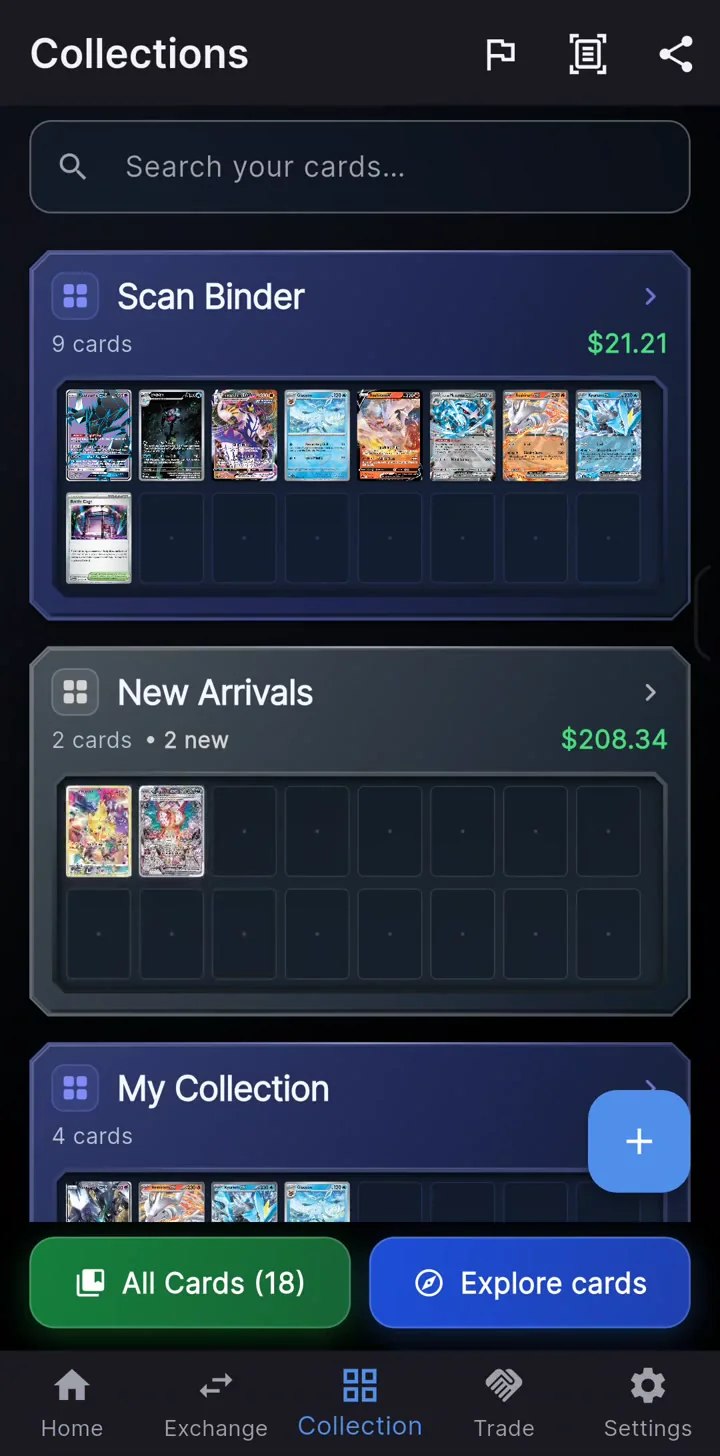
Search across your collections, or browse by illustrator to discover more from your favorite artists.
Connect a workbook for inventory, sales history, and stock insights. Build your own reports alongside your synced collection data.
Feature availability varies by beta version. Update the app for the latest tools.
FREE AT THE CORE
Plus Sell → Scan straight onto the trade table, cloud sync and your live Google Sheets workbook. See plans in the app.
Everything in Pro, plus tools to label and list your inventory.
Label maker sold separately. See plans in the app.
Import supported collection CSV files in the app.
Scanning, individual price checks, Price cards, local collections, and local trading are free. Received cards keep their acquisition cost. Pro adds receipts, profit tools, bulk eBay pricing, Sell → Scan, cloud sync, and the Google Sheets workbook. Vendor Pro includes Pro and adds label printing and eBay listing. See current plans in the app.
Label printing is a Vendor Pro feature. Open a card in your collection, choose its price, and tap Print to preview a label and configure your printer. Once your compatible Bluetooth printer and label setup are saved, hold Print for one second to print with those settings. Turn off “Auto-advance after printing” to swipe between cards as shown in the demo; otherwise the app advances after a successful print submission.
The Android Print Master option exports your label data; complete printing in Print Master. See compatible label makers and testing status.
eBay estimates and Last Sold use eligible sold listings. TCGPlayer Market is a separate reference for raw cards, including when you select a graded card. Fresh eBay results need an internet connection and may require eBay sign-in. Availability varies by card.
Yes. Import a supported collection CSV, then review unmatched cards and variants. Your current app may charge for exports.
On Android, join the testers group with your Google Play account, then use the Play testing link. On iPhone, open the TestFlight invitation. See the installation steps.
YOUR NEXT CARD STARTS HERE
Free scanning, pricing, collecting, and local trading.